
PicBunch for weddings
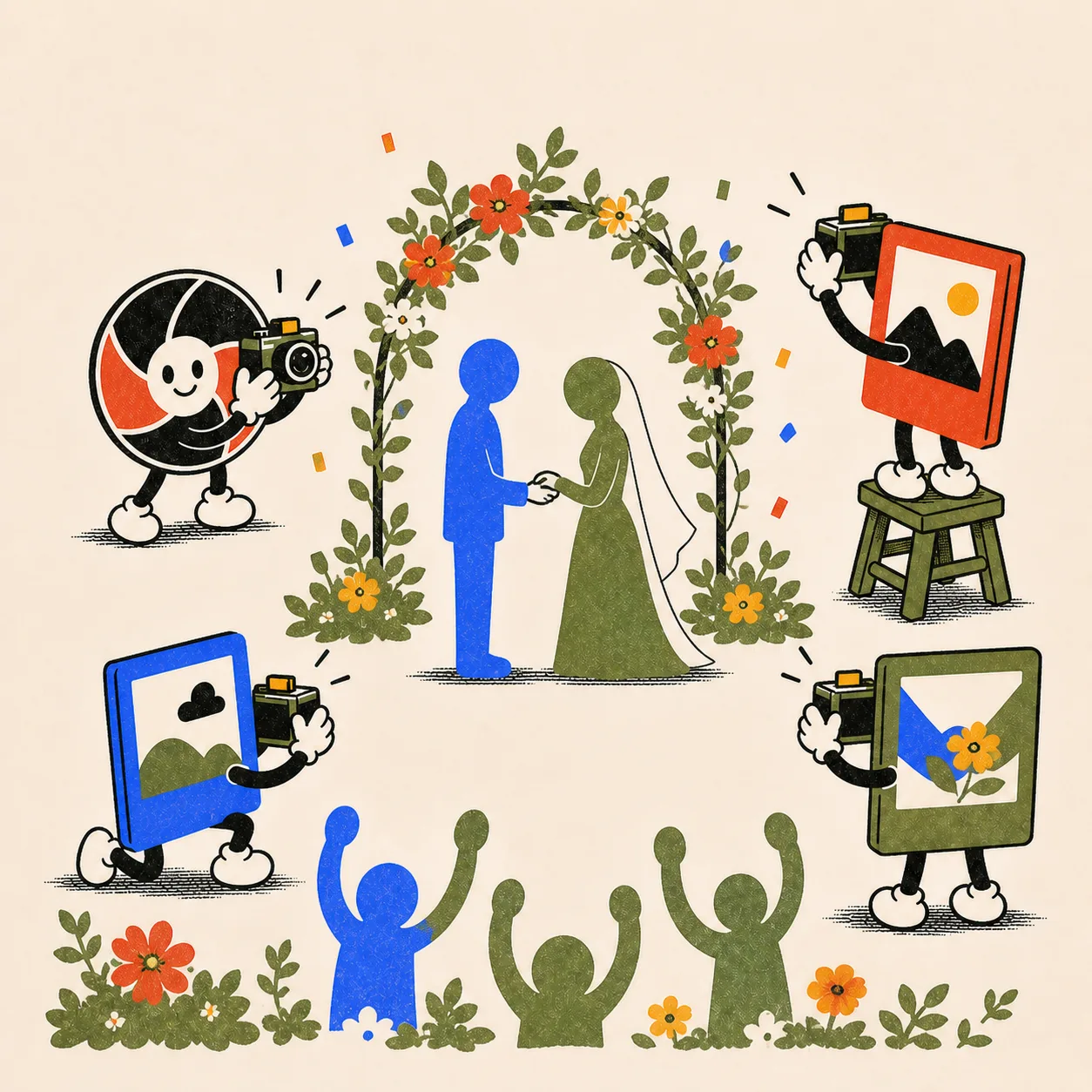
Your photographer shoots the couple. Your guests shoot the wedding.
Put one QR code on the welcome table. Guests shoot from their own phones with no app or account, every angle gathers in one album, and you choose when everyone can see it.
- No app or guest account
- Works on iPhone and Android
- Three reveal modes

While the pro album is being edited
Relive the wedding without waiting for the finished portraits.
Professional photos often arrive after the event. A guest album gives you the candid angles in the meantime: open it during the reception, when photo collection ends, or after you have reviewed it.

The other half
You were on stage for half of your own wedding.
The couple spends the night table-hopping and being photographed. Your guests spend it watching you, and each other. Their phones hold the back-table toasts, your parents' faces during the vows, the table-nine reunion. That's the half of the wedding you weren't standing in.

The disposable-camera ritual
The table-camera feeling, without film to collect.
If you like putting disposable cameras on the tables, PicBunch keeps the shared shooting and optional sealed reveal. Guests use their own phones, so there are no cameras to collect, rolls to develop, or scans to organise afterwards.
One link after the last dance
Guests come back to the same place to see the album.
The QR code and event link used for shooting also lead to the album once it is open. Send that link in your thank-you message if you want to remind guests; PicBunch does not need a participant contact list.

Reveal modes
Open it tonight, tomorrow, or after you have checked it.
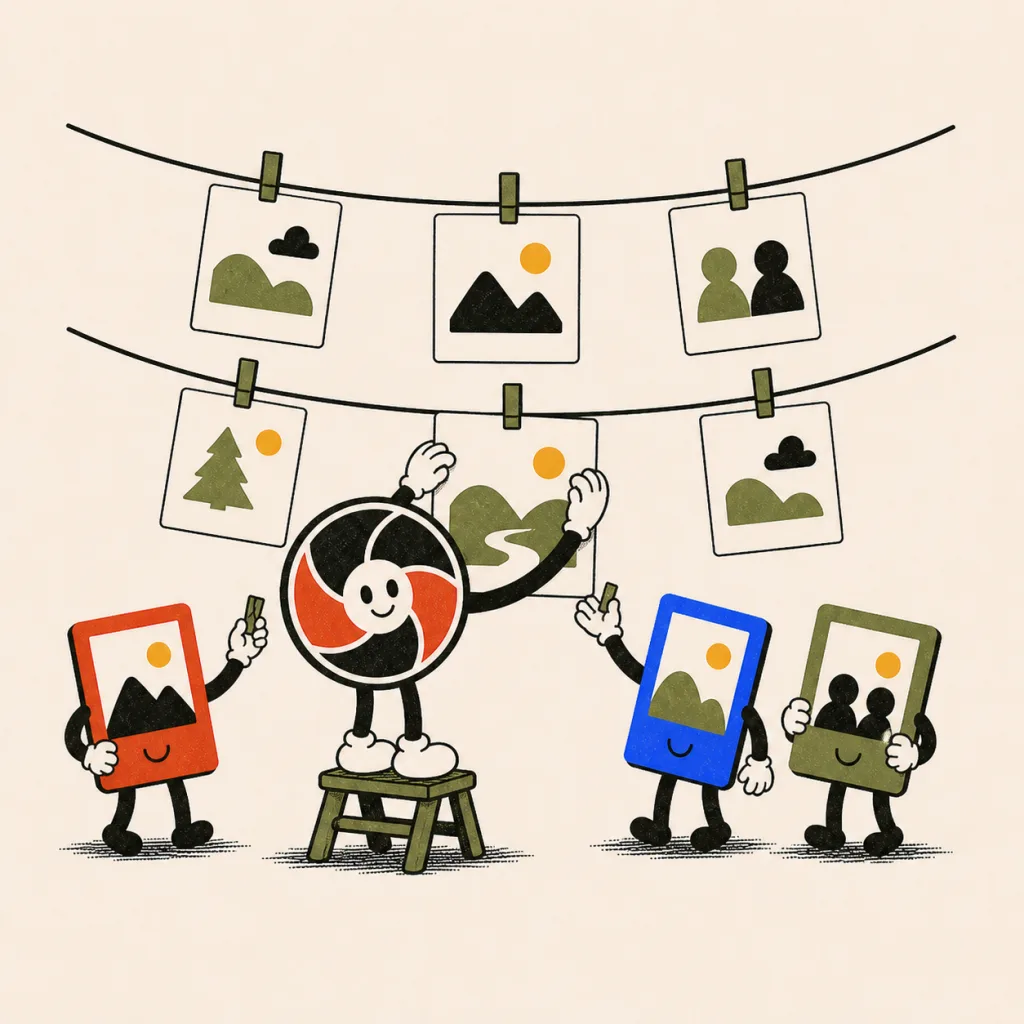
Show photos as they arrive, publish the album when photo collection ends, or keep it private until you press publish. Once it is open, you can put the album on a big screen or share the event link again.
Your call
Review first when you keep the album sealed.
With an end-of-collection or manual reveal, hide blurry shots and duplicates before guests can see the album. In immediate mode, visible photos appear as they upload, and you can still hide them from the control room.