




Scan to join.

Every guest. Every angle. One album.

Guests scan one QR code and shoot from the browser, with no app, account, or contact list. Photos gather in one event album, and you choose when everyone can see it.

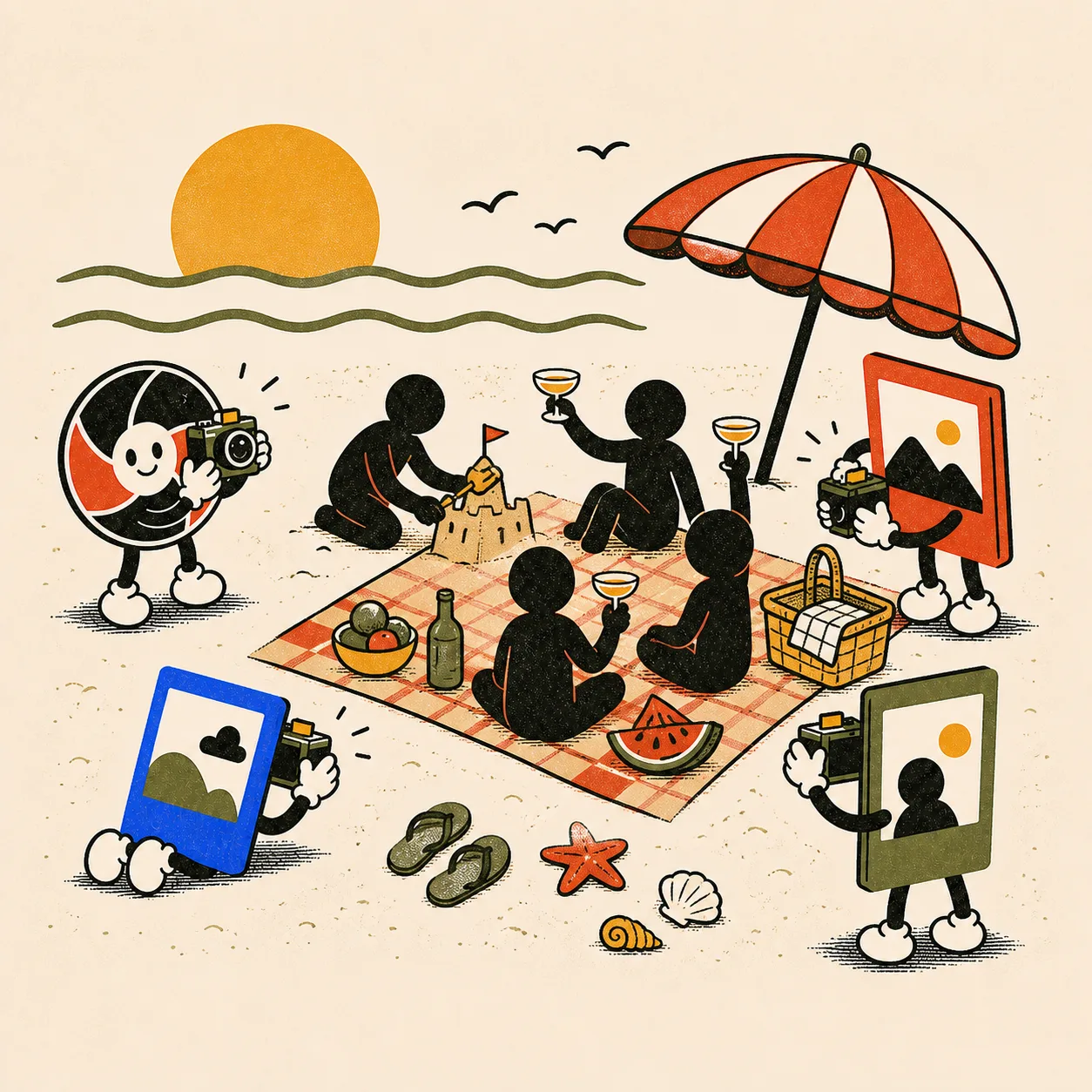
Three streams of photos flowing from guest characters into one shared album
  • No app or guest account
  • Works on iPhone and Android
  • Uploads retry when signal returns
  • Optional event passcode

The best guest photos are the hardest to collect.

They live on dozens of phones, often belonging to people you cannot message later.

  1. You do not have everyone's contact details

    At weddings and company events, many guests are family friends, plus-ones, or colleagues outside your chat. If sharing starts after the event, there is no reliable way to reach them.

  2. One camera cannot cover a whole room

    Your photographer follows the main characters. The back-table toasts, your friends' faces during the speeches, the kids under the dessert table: all of that lives on your guests' phones.

  3. “Send me the photos” becomes a chore

    Shared-album links get buried, uploads are forgotten, and group chats compress photos. The host spends days asking, while guests still see only a fraction of the night.

How it works

One QR code. Four simple steps.

  1. The PicBunch mascot sketching an event plan at a drafting table

    Create the event, print the QR

    Choose a name, date, shot limit, and reveal mode. Put the code on table cards, signs, or the invitation.

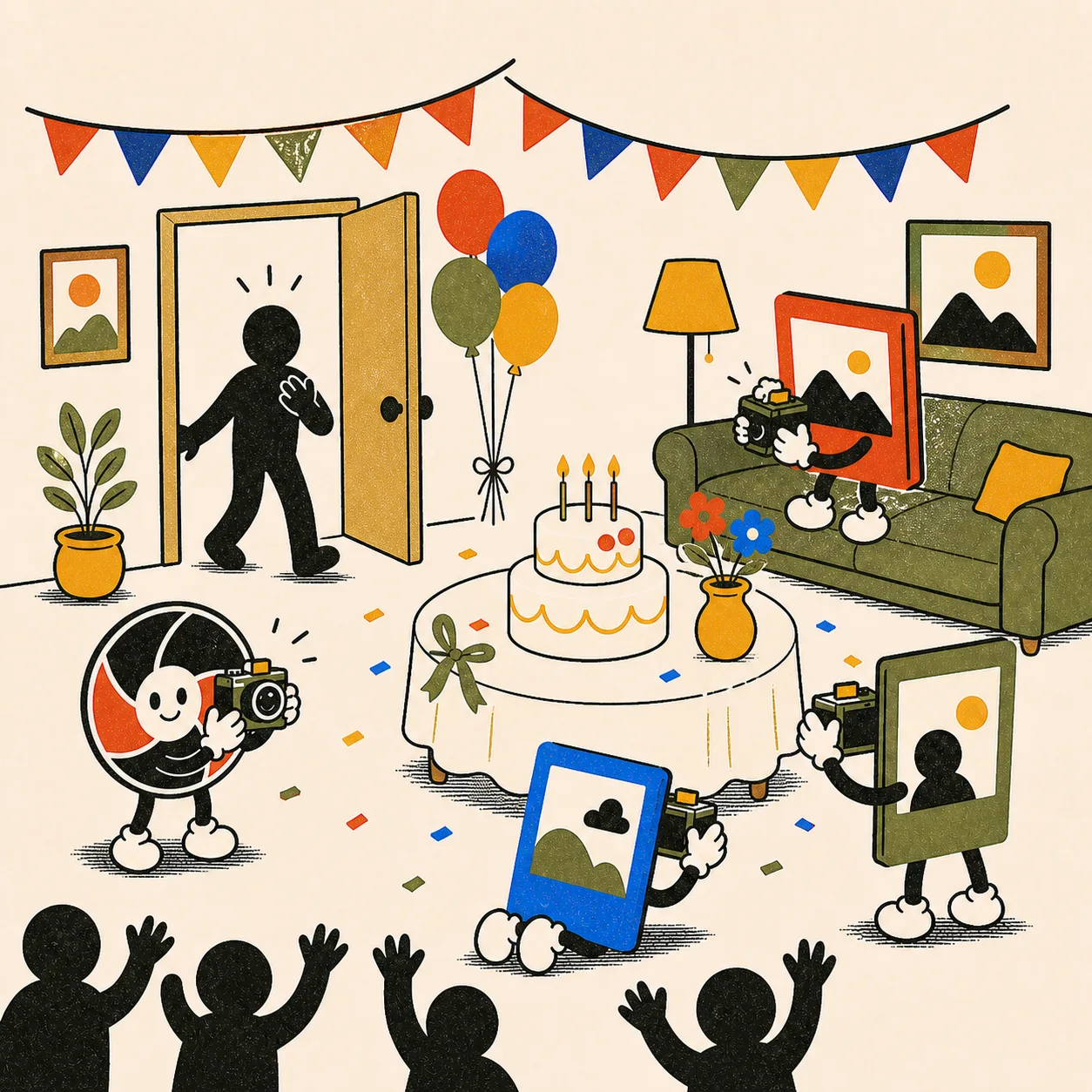
  2. Four photo characters shooting the same cake table from different angles

    Guests scan and shoot

    The camera opens in the browser on iPhone and Android. There is no app or guest account, and each shot saves on that device before it uploads.

  3. Favourite photos rising from a newly opened album

    Choose when the album opens

    Show photos as they arrive, publish when photo collection ends, or keep the album private until you are ready. End-of-collection and manual reveals leave time to review first.

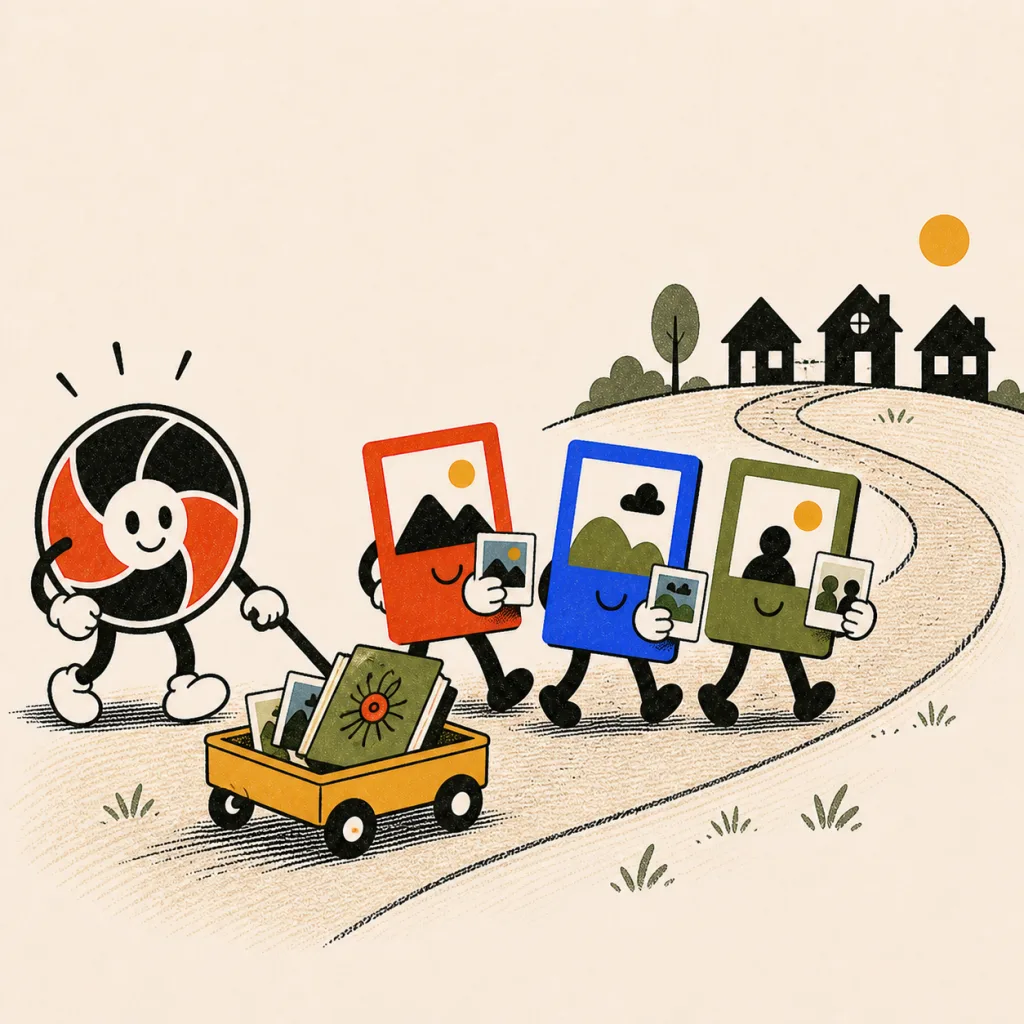
  4. Characters pulling a wagon of photos home along a winding path

    Share one album link

    Guests return through the same QR code or event link to see the album once it is open. You can resend that link through the channels you already use.

Use cases

“Your guests caught the half you missed.”

A garden wedding beneath a flower arch, guests cheering while photo characters shoot

The photographer leaves at ten. The dance floor doesn't.

Keep the professional photographer for the portraits and let guests capture everything around them. Open the album during the reception, the next morning, or after you have reviewed it.

  • Back-table toasts the pro never saw
  • Your parents' faces during the vows
  • The dance floor after the camera bag closed
PicBunch for weddings
The mascot holding an umbrella over photo characters walking through rain toward a keepsake chest

A weak signal does not have to lose the moment.

Each shot is saved on the guest's device before upload. If the connection drops, PicBunch retries when it returns; guests should keep the event page open until the shot is confirmed. With a sealed album, hosts can review and hide photos before publishing.

Less admin

Collect the room without collecting a contact list.

No guest list to build

The event link is the invitation.

  • Scan to join
  • No app or guest account
  • One link for shooting and viewing

Made for the moment

Guests shoot while the event is happening.

  • Browser camera on iPhone and Android
  • A shot limit in each guest browser
  • Uploads retry after a weak connection

Your reveal, your call

Choose how and when people see the album.

  • Show photos immediately
  • Publish when photo collection ends
  • Publish manually after review
The mascot welcoming three photo characters under party bunting

One QR code now. One album full of angles later.

Create your event